Your race engineer, on top of your sim
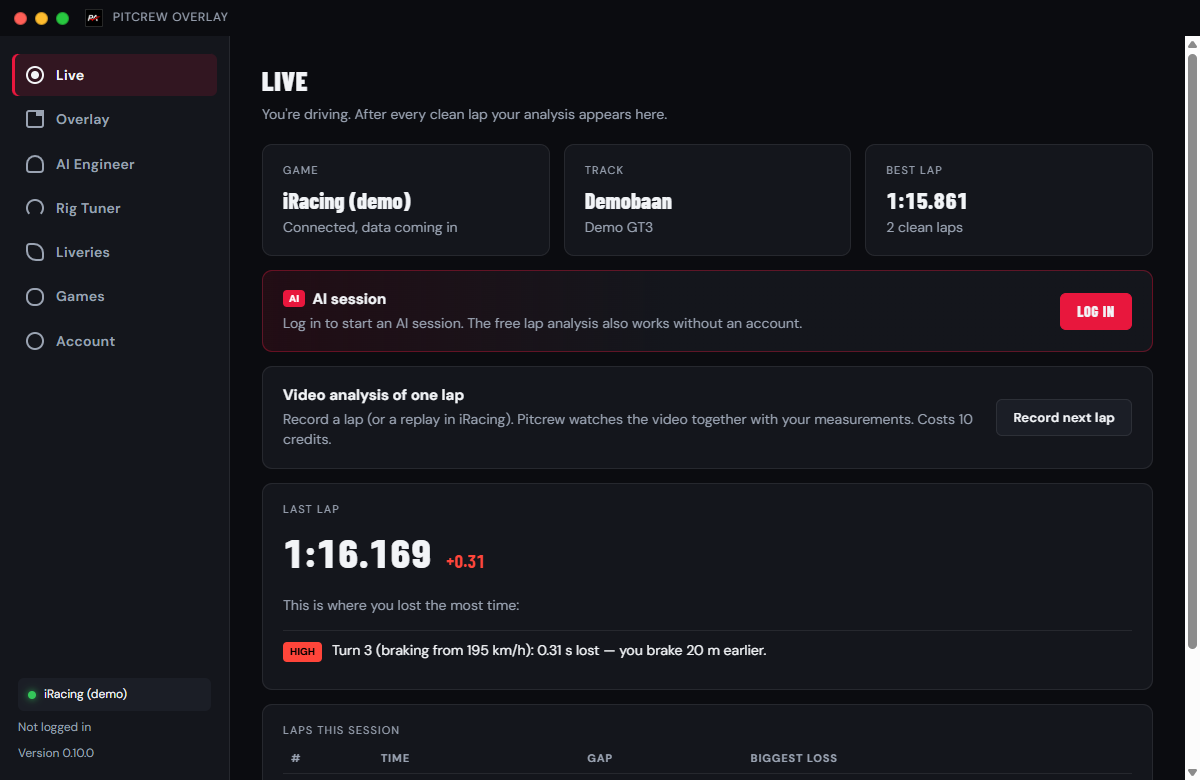
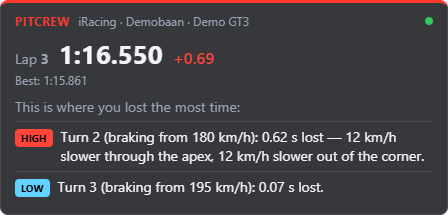
PitCrew Overlay reads your sim live and shows after every lap which corners cost you time and why. With an AI session you get concrete advice for the next lap after every lap.
What the app does
After every lap: where the time went
Per corner your braking point, apex speed, throttle and coasting, compared with your fastest lap. Free, no account needed.
AI session · 5 credits per session
An AI race engineer looks at all your laps together and gives you up to three concrete tips and one focus point after every lap, plus a track overview at the end: every corner from red to green, with what to do differently there. No subscription. A session lasts up to 2.5 hours.
AI Engineer · chat about your setup
Your sim, car, track, setup and lap data are already in: you only type what you feel in the car. In the app, or detached next to your sim as soon as you get out. 5 credits per session, max. 20 questions.
Rig Tuner · free
More FPS, the right Nm on your wheel, your brake pedal set up properly. The app reads your PC, wheel, pedals and game settings, and the AI tells you exactly what to change. 5 questions per day.
Same account, same credits
Log in with your PitCrew Academy account. Your credits are the same as on the website. The first time you log in to the app you get 10 extra credits: enough for 2 AI sessions.
Supported sims
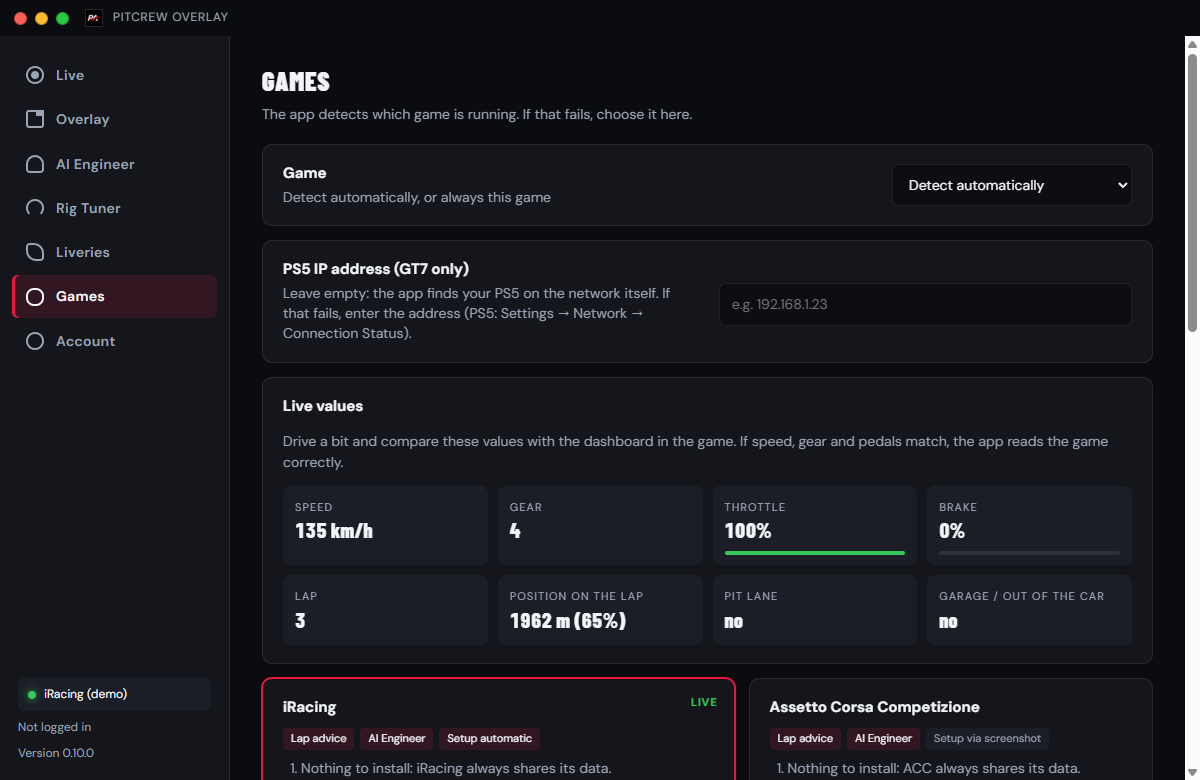
The app detects which sim is running. LMU and rFactor 2 need a free plugin; in AMS2 you switch on one option. The app explains it per sim.
What it looks like
Installing
- Download and run PitCrew-Overlay-Setup.exe.
- Does Windows show "Windows protected your PC"? Click More info, then Run anyway. Does Smart App Control block the installer, with no way to continue? Then the app cannot be installed on that PC yet: we are working on a digital signature. Let us know on our Discord.
- Open the app, log in (or continue without an account first) and start your sim.
- Set your sim to borderless window: in true fullscreen no overlay can appear on top.
Questions
Is the app free?
Yes. Downloading, the overlay and the lap analysis are free. The Rig Tuner is free too (5 questions per day). Only an AI session (5 credits) and the AI Engineer (5 credits per session) cost credits, just like on the website. The first time you log in to the app you get 10 extra credits.
Does it work in VR?
Not yet. The panel is a normal window on top of your sim. VR support is planned.
What about Gran Turismo 7?
Yes. GT7 runs on PlayStation, where overlays are not possible. The app on your PC or laptop picks up your PS5 data over your home network, and you see the analysis on your laptop or, via the second screen, on your phone or tablet.
What happens to my data?
Raw telemetry stays on your computer. During an AI session we only send a small summary per lap, which we keep for 30 days. See the privacy policy.
Is this allowed in online races?
Yes. The app only reads the data the sims share for tools like this, just like RaceLab and SimHub. It changes nothing in the game.